
Draw splines
A spline is a smooth curve through or along points you place: the edge of a handle, a cam, a styled outline. Its points are ordinary sketch points, so you drag, dimension and constrain them like any other.
Access: Sketch mode toolbar > Spline (S). The arrow next to it has Fit point spline and Control point spline.
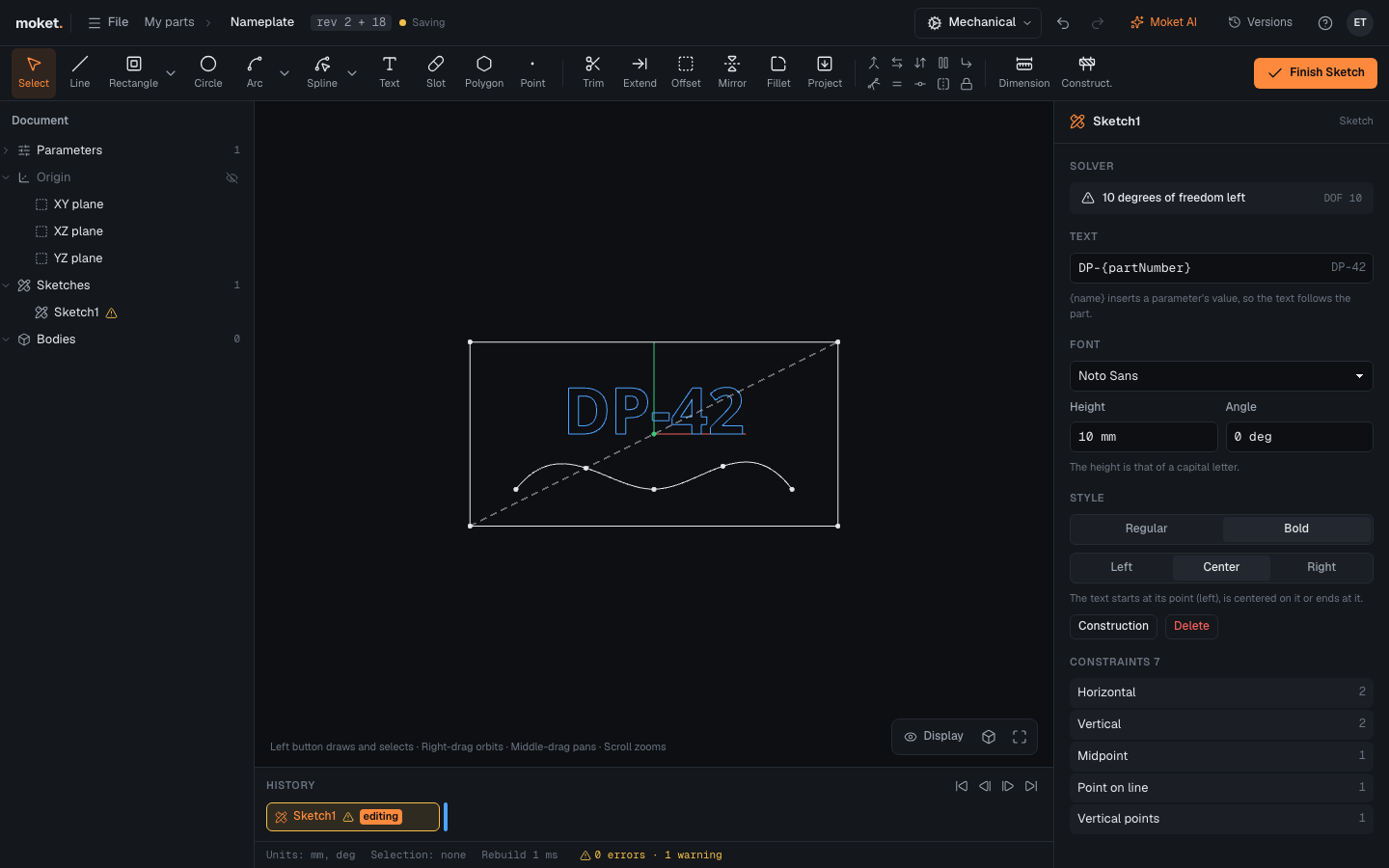
Draw a fit point spline
- Click Spline.
- Click the points the curve passes through.
- Press
Enter, double-click, or click the last point again to end it. Click the first point to close the spline on itself.
The curve passes through every point and starts and ends at the first and last. Join its ends to lines or arcs (snap to their points) to close a profile.
Draw a control point spline
- Under the arrow next to Spline, choose Control point spline.
- Click the points that shape the curve.
- Press
Enteror double-click to end it.
The curve starts at the first point and ends at the last; the points between pull it towards them. Dashed construction lines join the points: make the first or last of them parallel or perpendicular to other geometry to set the direction the curve leaves its end.
Change a spline
Select the spline to see it in the right panel.
| Option | Description |
|---|---|
| Fit points | The curve passes through its points |
| Control points | The points shape the curve; it passes through the first and last only |
Drag the curve to move all its points, or drag one point to reshape it. Deleting one of its points deletes the spline.
Limitations
- Constraints go on a spline's points, not on the curve: a tangent from a line to the curve, or a point on the curve, is not available yet.
- A fit point spline does not take end tangents; draw a control point spline when the curve must leave its ends in a given direction.