
Revolve
Revolve sweeps profiles around an axis: shafts, flanges, rings, knobs.
Access: Toolbar > Revolve.
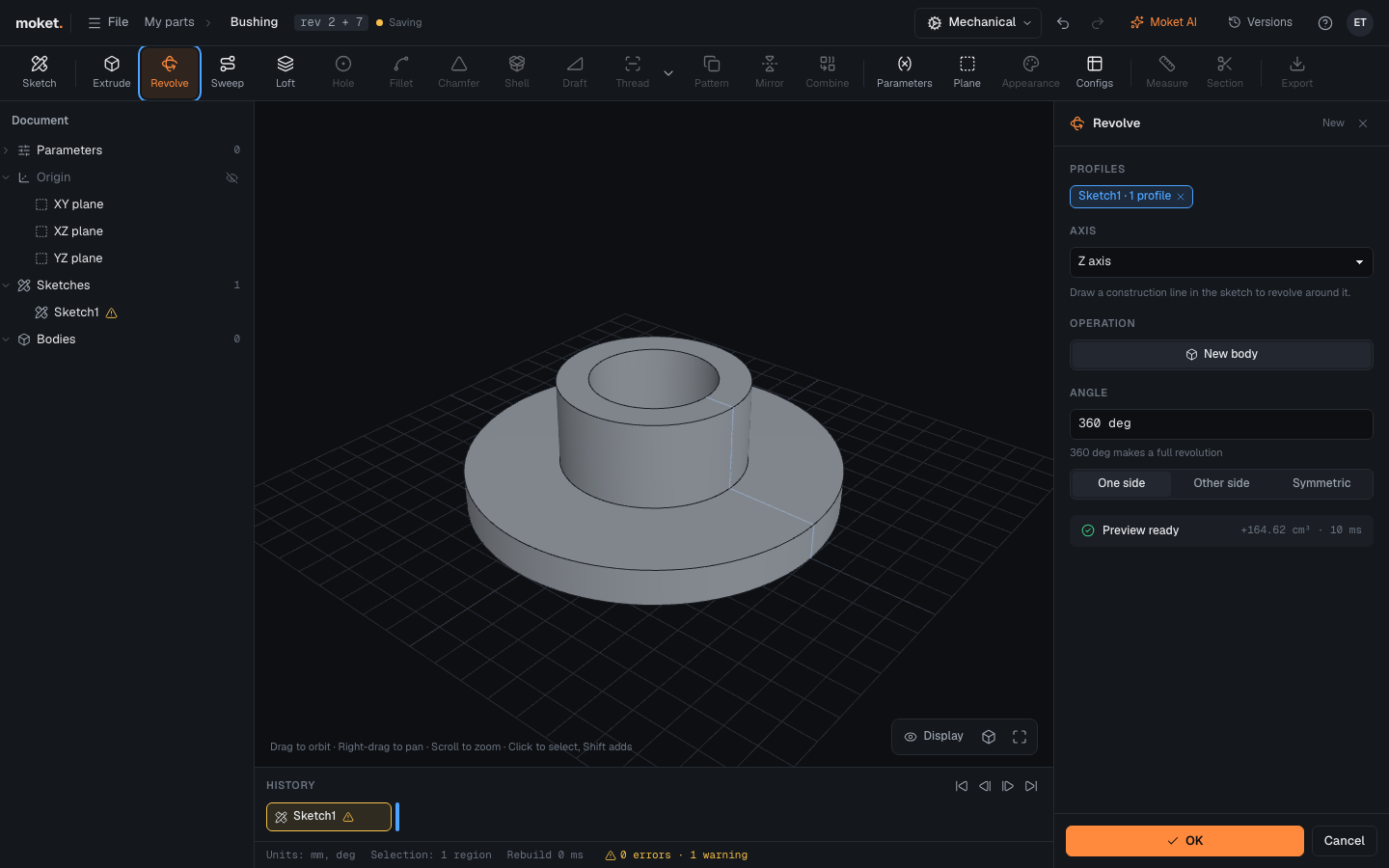
Steps
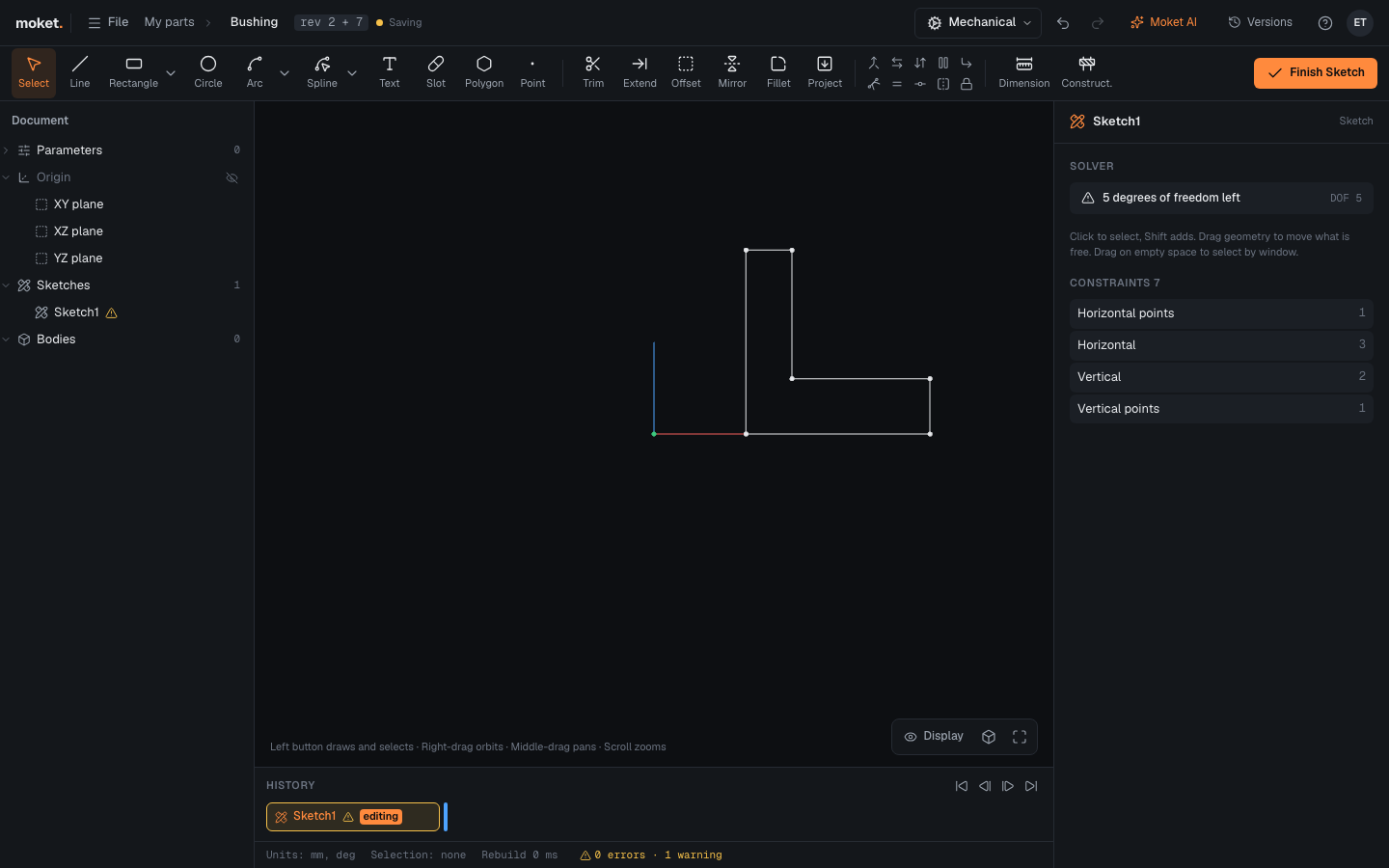
- Draw half of the section in a sketch, on one side of the axis. Use an origin plane that contains the axis, for example XZ plane for the Z axis.
- Click Revolve. The closed area is selected.
- Choose the Axis: X axis, Y axis, Z axis, or a line of the sketch. Construction lines are listed first.
- Set the Angle and click OK.
Options
| Option | Values | Description |
|---|---|---|
| Axis | An origin axis or a sketch line | What to revolve around |
| Operation | New body, Join, Cut, Intersect | As in Extrude |
| Angle | Expression | 360 deg makes a full revolution |
| Direction | One side, Other side, Symmetric | Which way to turn |
Troubleshooting
- Revolve failed. Usually the profile crosses the axis. A profile must stay on one side of the axis; it may touch it along an edge.