
Sign in to Moket
You need a Moket account to use Moket Studio. Moket is in closed access for now: accounts are created only from an invite link.
Access: app.moket.io opens the Sign in page when you are not signed in.
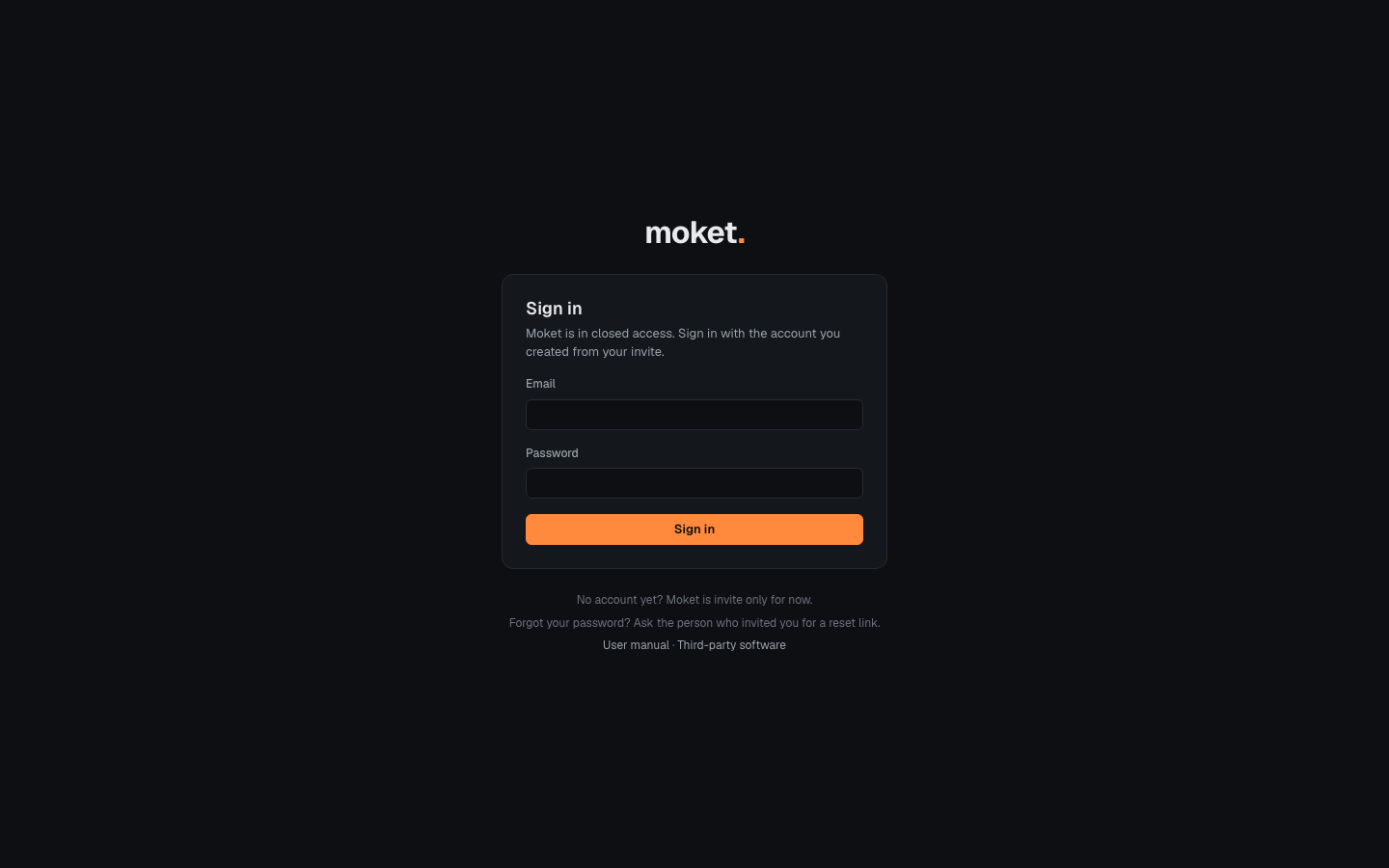
Create your account from an invite
- Open the invite link you received. It looks like
https://app.moket.io/invite/.... - Enter your Name. The Email is the address the invite is for and cannot be changed.
- Choose a Password of at least 12 characters.
- Click Create account. Moket signs you in and opens Moket Studio.
An invite link works once and for 7 days. If it has expired or was already used, the page says This invite does not work: ask the person who invited you for a new link.
Sign in
- Go to app.moket.io.
- Enter your Email and Password.
- Click Sign in.
If you opened a link to a page in Moket while signed out, Moket takes you there after you sign in. You stay signed in on this browser for 30 days after you last used Moket.
Forgot your password
Moket does not send email yet. Ask the person who invited you for a password reset link, then:
- Open the reset link. It works once and for 24 hours.
- Enter a New password of at least 12 characters.
- Click Set password and sign in.
Setting a new password signs you out on all your other browsers and devices.
Sign out
- Click the round badge with your initials at the right of the top bar.
- Click Sign out.
Troubleshooting
| Message | What to do |
|---|---|
| The email or password is wrong. | Check both and try again. Passwords are case-sensitive. |
| Too many attempts. Wait a few minutes and try again. | Moket pauses sign in after many failed attempts. Wait 15 minutes, or ask for a reset link. |
| Moket cannot reach the server. Check your connection. | You are offline or the network blocks Moket. Check the connection and reload the page. |