
Draw slots and polygons
A slot is two half circles joined by straight sides, the shape of a slotted hole or a key. A polygon is a regular shape with equal sides, such as a hexagon for a nut pocket. Both keep their shape when you drag or dimension them.
Access: Sketch mode toolbar > Slot, Polygon.
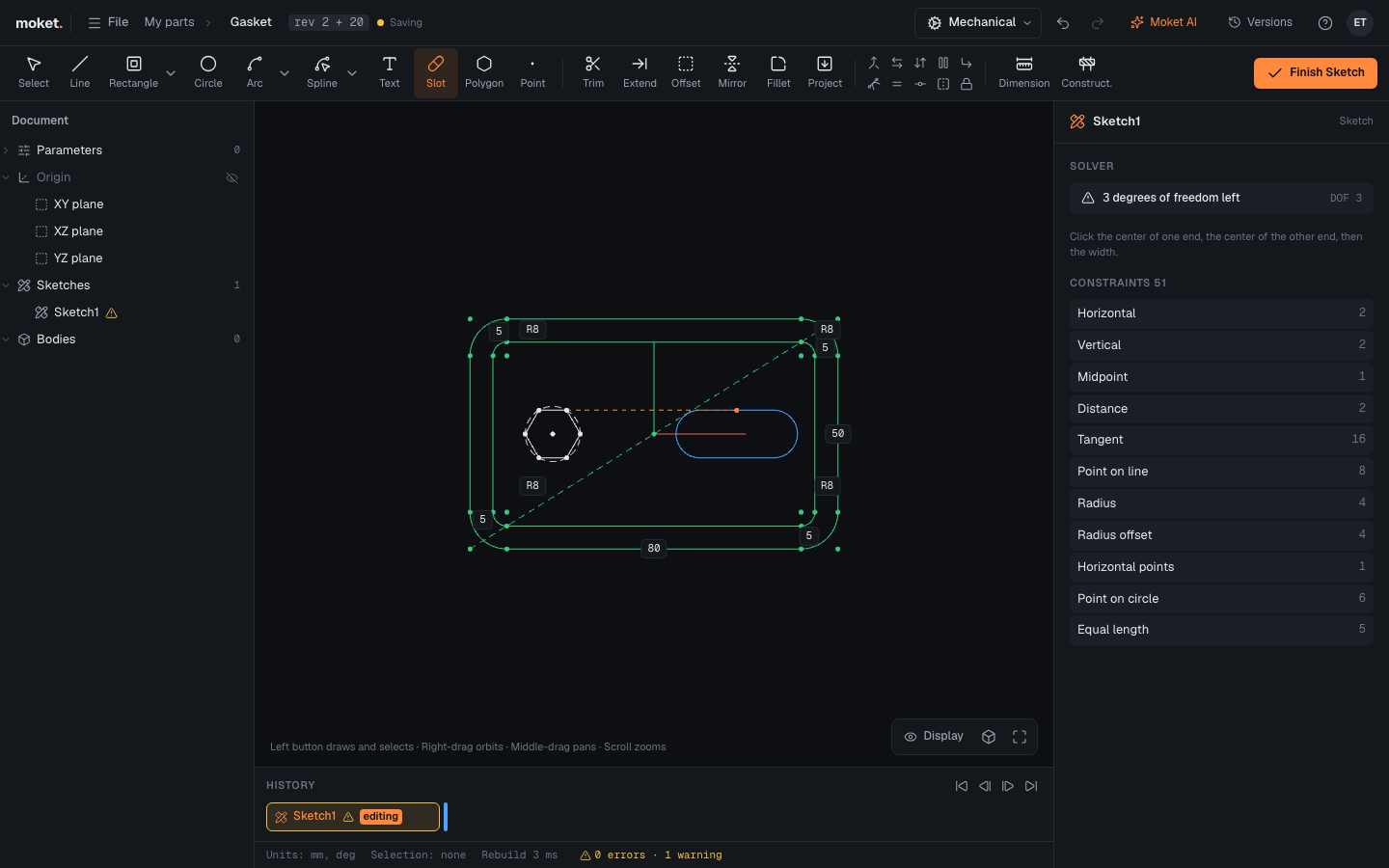
Draw a slot
- Click Slot.
- Click the center of one end, then the center of the other end.
- Move the pointer to set the width and click.
The slot gets a construction line between the two centers. Dimension it for the slot's length, and dimension one end arc for its width.
Draw a polygon
- Click Polygon.
- In the right panel, set Sides (3 to 64) and Size by.
- Click the center, then a corner (Inscribed) or the middle of a side (Circumscribed).
| Option | Description |
|---|---|
| Sides | Number of sides, 6 by default |
| Inscribed | The corners lie on a construction circle: dimension the circle for the corner-to-corner size |
| Circumscribed | The sides touch a construction circle: dimension the circle for the size across flats |
Tips
- A hexagon for an M5 nut is about 8 mm across flats: draw it Circumscribed and give the construction circle a diameter of 8 mm.
- Add a horizontal constraint to one side of a polygon, or a dimension to its center, to fix where it sits.