
Pattern
Pattern repeats features in a row, a grid or around an axis. The copies follow the original: change the original and every copy changes.
Access: Toolbar > Pattern.
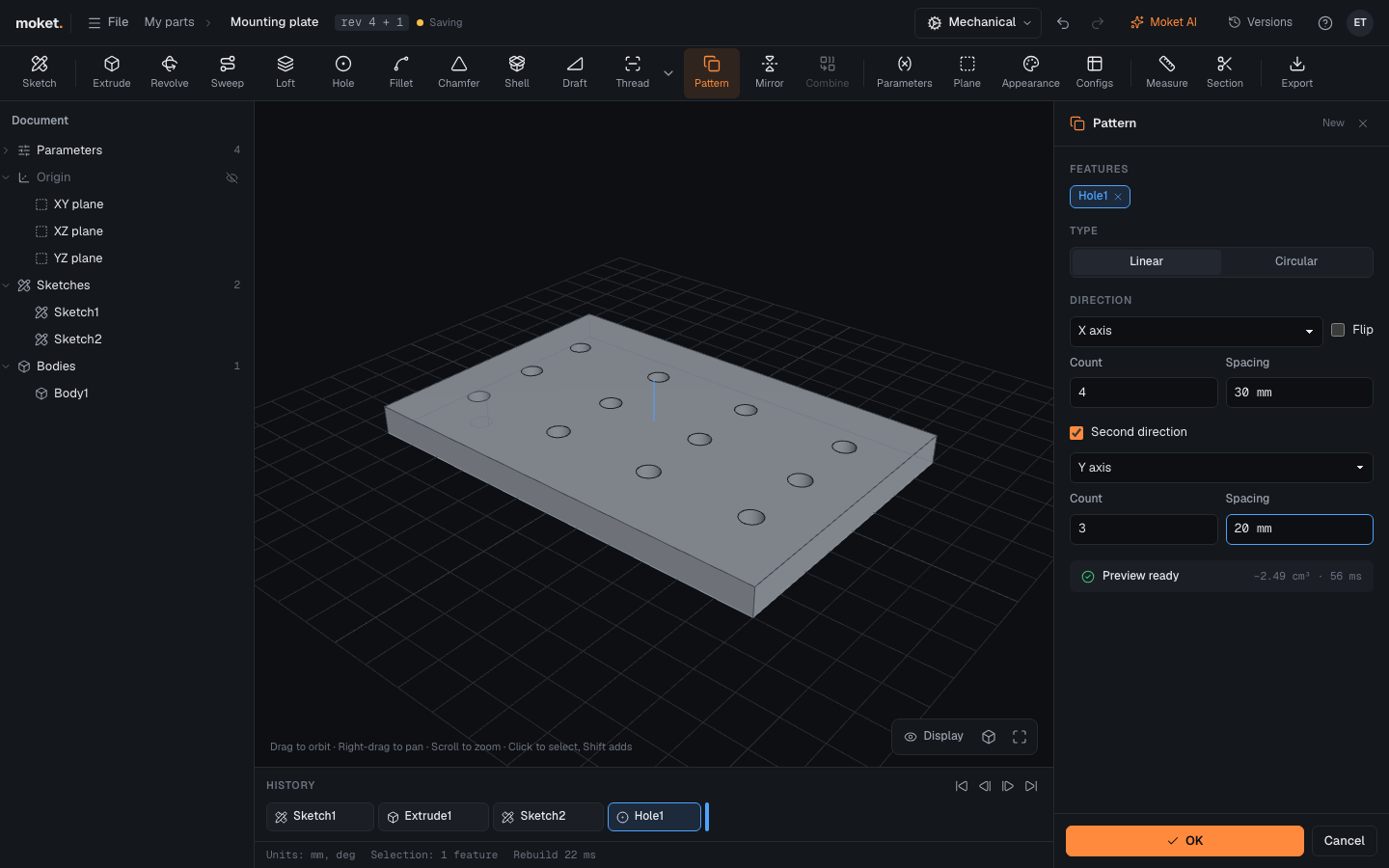
Steps
- Click Pattern. The last extrude, revolve or hole is selected; click others in the history to change the selection.
- Choose the Type and set the counts and spacing.
- Click OK.
Options
| Option | Type | Description |
|---|---|---|
| Direction | Linear | X axis, Y axis, Z axis, or click a straight edge or a flat face |
| Count, Spacing | Linear | How many copies, the original included, and the distance between them |
| Second direction | Linear | Adds a second row direction to make a grid, with its own count and spacing |
| Axis | Circular | The axis to repeat around |
| Count, Angle | Circular | How many copies, and the total angle (360 deg spreads them all around) |
| Flip | Both | Repeat the other way |
Tips
- Copies of a tapped hole are tapped too: each has the hole's thread, so a screw in any of them is no interference.
Limitations
- Pattern repeats extrudes, revolves and holes. Fillets and chamfers are not repeated.