
Units, materials and properties
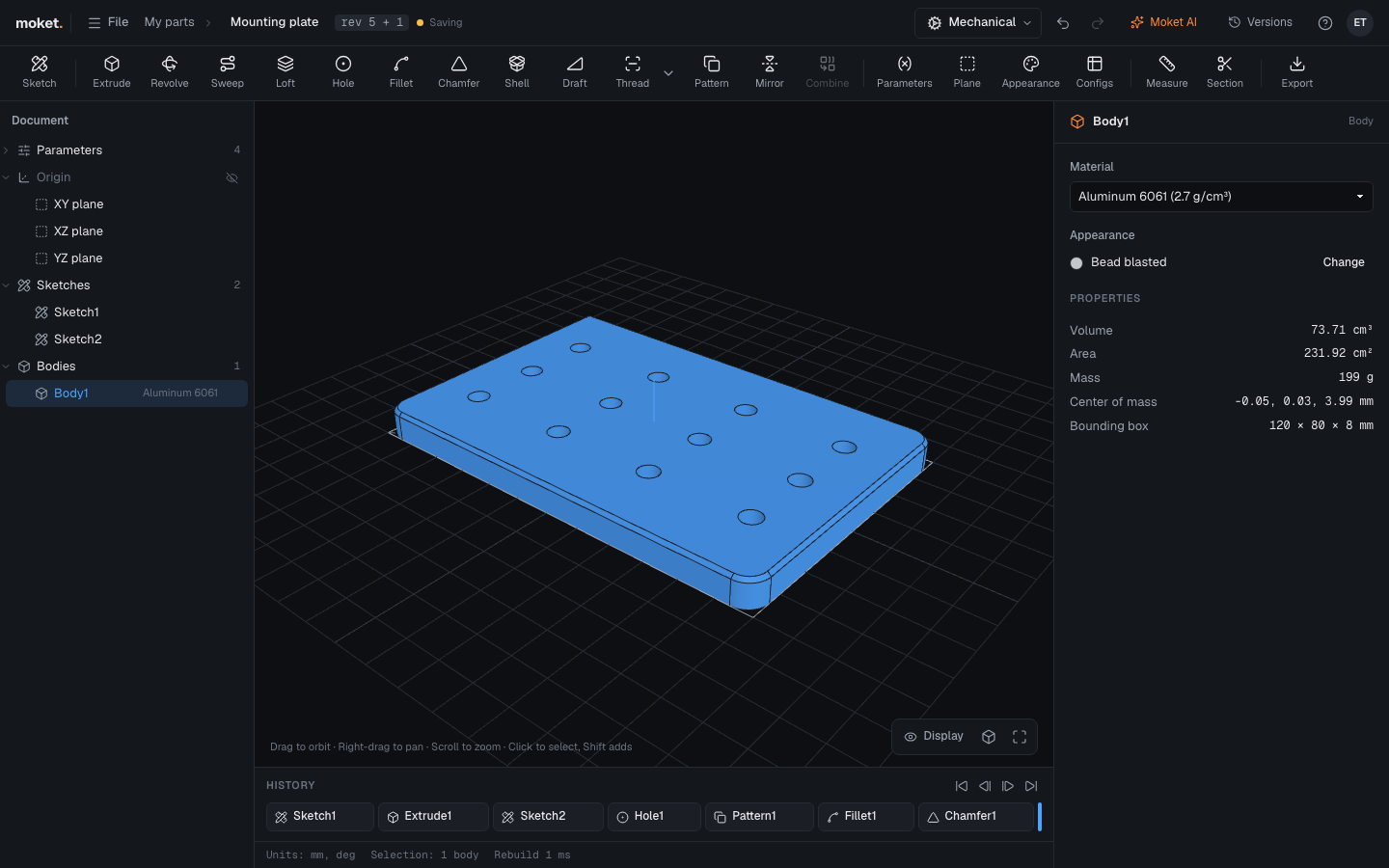
Access: Click an empty area of the canvas for Part properties; click a body for its properties.
Units
Choose Millimeters, Centimeters, Meters or Inches under Units in Part properties. Numbers without a unit use these units. Units can be changed only while the part is empty, because they would change the meaning of numbers already typed.
Materials
Default material applies to every body. To give a body its own material, select the body and choose it under Material. The material sets the density used for mass, and the body's finish unless it has an appearance of its own: aluminium shows bead blasted, steel polished, plastics matte. Body properties show the finish under Appearance; Change opens Appearance.
| Material | Density, g/cm³ |
|---|---|
| Generic | 1 |
| Steel | 7.85 |
| Stainless steel | 8 |
| Aluminum 6061 | 2.7 |
| Brass | 8.5 |
| Bronze (CuSn8) | 8.8 |
| Copper | 8.96 |
| Titanium | 4.43 |
| Grey cast iron | 7.2 |
| Cast aluminum | 2.68 |
| Epoxy granite | 2.4 |
| ABS | 1.04 |
| PLA | 1.24 |
| PETG | 1.27 |
| Nylon | 1.14 |
| Acetal (POM) | 1.41 |
| Oak | 0.75 |
| NBR rubber | 1.2 |
Properties
A selected body shows its Volume, Area, Mass, Center of mass and Bounding box. Part properties show the number of features and bodies and the Total mass.