
Drive joints and set limits
A joint that turns or slides has a position for each free direction: the angle it is turned to or the distance it has slid. Drive it to see the assembly move, and set limits so it only goes as far as the real mechanism can.
Access: select a joint that turns or slides; the Motion bar appears under the viewport. Drive in the toolbar, or Space, plays it.
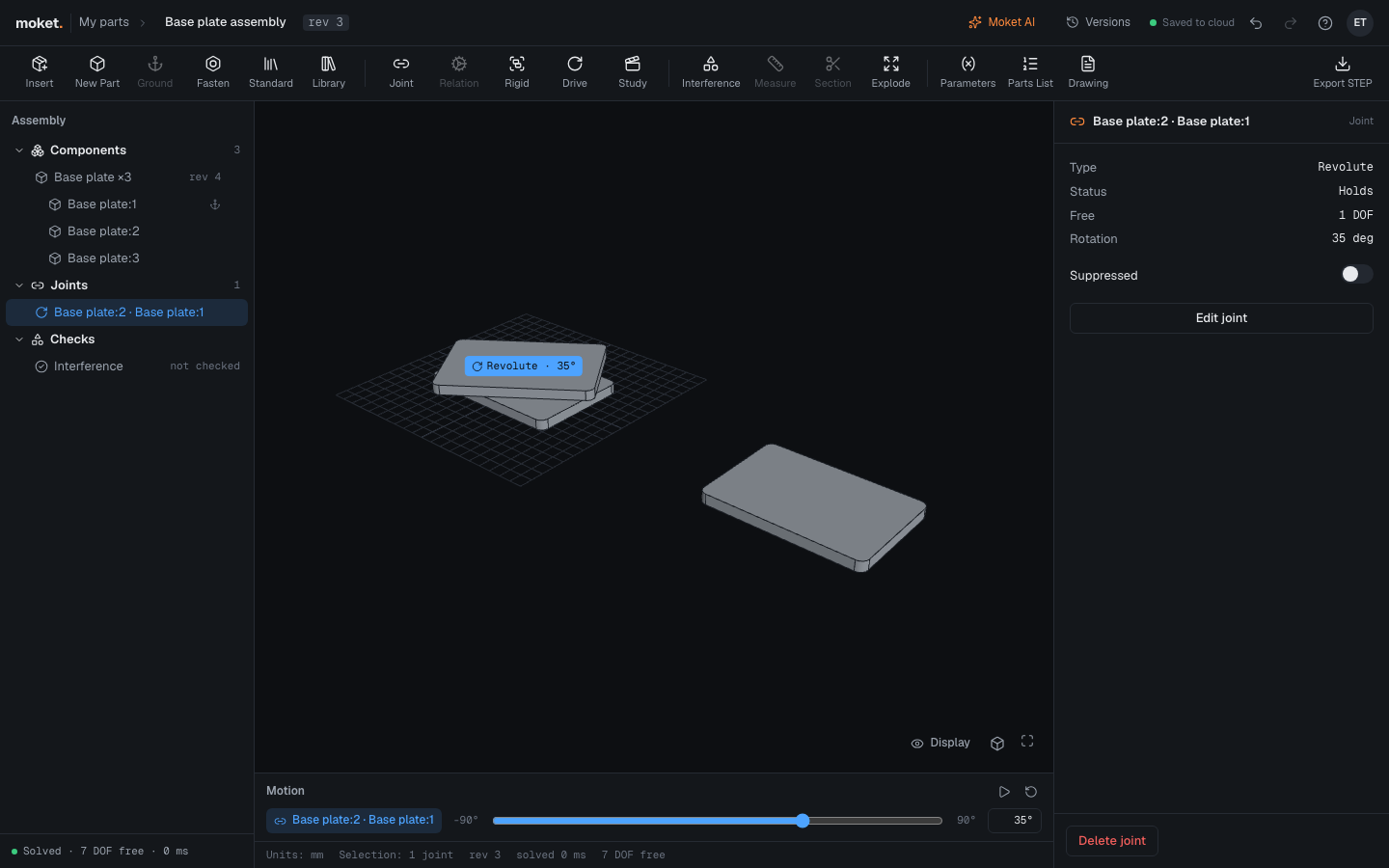
Drive a joint
- Select the joint in the tree, or click its label in the viewport.
- Drag the slider in the Motion bar. The assembly moves as you drag; the position is saved when you let go, as one step you can undo.
- Click Play, or press
Space, to sweep the joint from its minimum to its maximum and back. Playing changes nothing. - Click Reset to put it back at its rest position.
You can also type the Position in the joint panel (Edit joint).
Drive a linkage
In a closed loop, such as a four-bar linkage, one joint drives and the others follow. Drag the crank's slider in the Motion bar: the crank becomes the joint that drives the loop (its properties say driven), and the coupler and rocker move to keep the loop closed, their values marked follows. Driving another joint of the loop makes that one drive instead.
A joint coupled to another by a relation drives it the same way.
A loop starts each time from where it was, so a linkage keeps its way of closing (its branch) while you drive it.
Set limits
- Select the joint and click Edit joint.
- Under the direction, such as Rotation or Translation X, turn on Limits.
- Type Min, Max and, if you want, Rest: where Reset puts it.
- Click OK.
Without limits a rotation goes from -180 to 180 degrees and a translation from -100 to 100 mm on the slider. A position outside the limits is held at the nearest limit and shown as a warning (JOINT_LIMIT). In a loop, limits also bound how far the following joints may move.
To lock a direction, give it the same Min and Max, for example 0 and 0: it stays there and no longer counts as a degree of freedom. A planar joint with its Translation Y and Rotation locked works as a slide along X.