
Fix problems
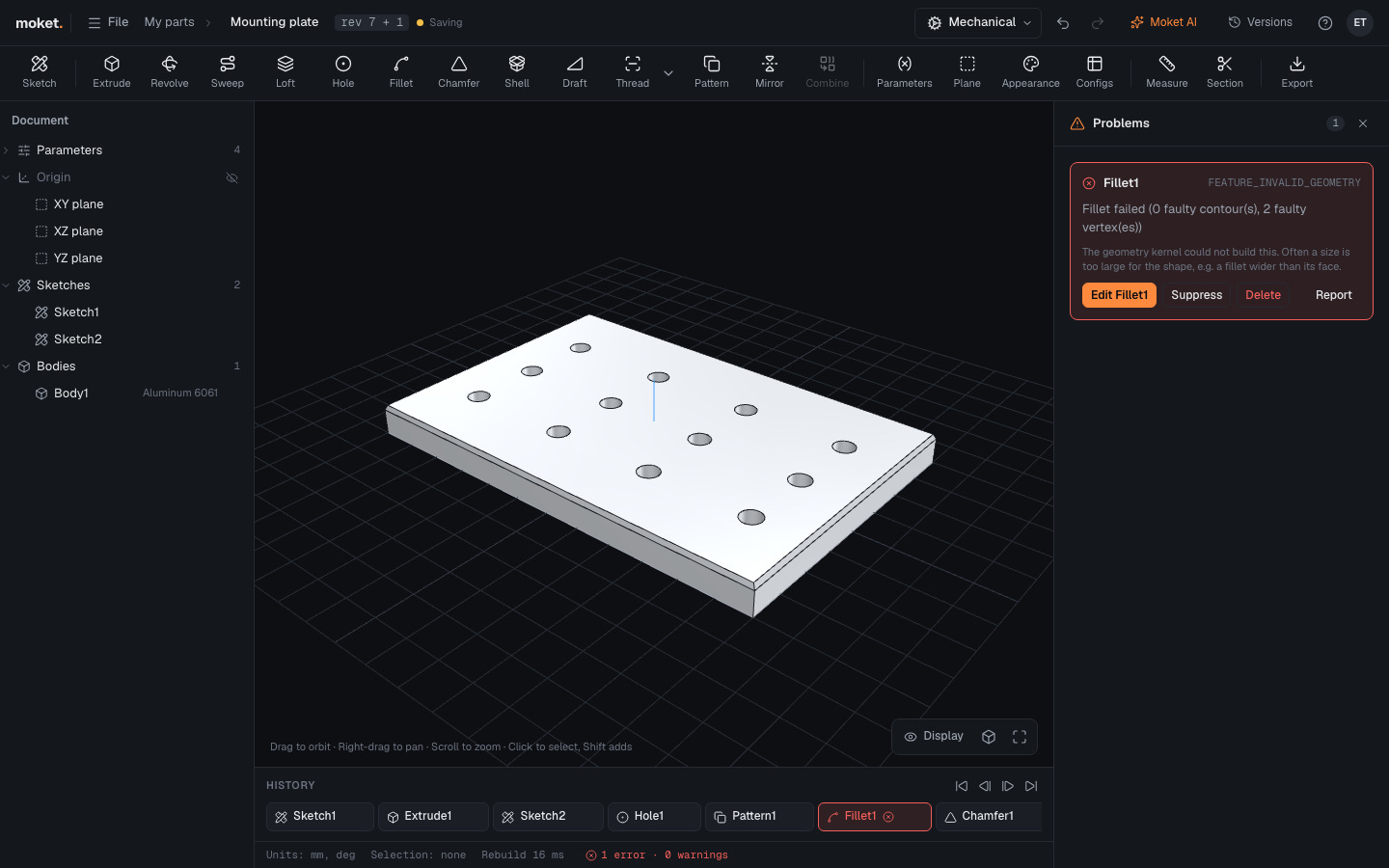
When a feature cannot be built, it turns red in the history and the browser, and the status bar shows the count of errors and warnings. The rest of the model is still built as far as it can be.
Access: Status bar > errors and warnings.
Steps
- Click the error count in the status bar. The Problems panel lists each problem with an explanation. When the model knows why an operation failed, such as a shell wall thicker than a fillet, the panel shows that cause and what to do instead of the general message.
- Click Edit to open the feature, Open sketch for a sketch, Suppress to skip the feature for now, or Delete.
If a feature fails although its values should work, click Report on it to report the problem with the part attached.
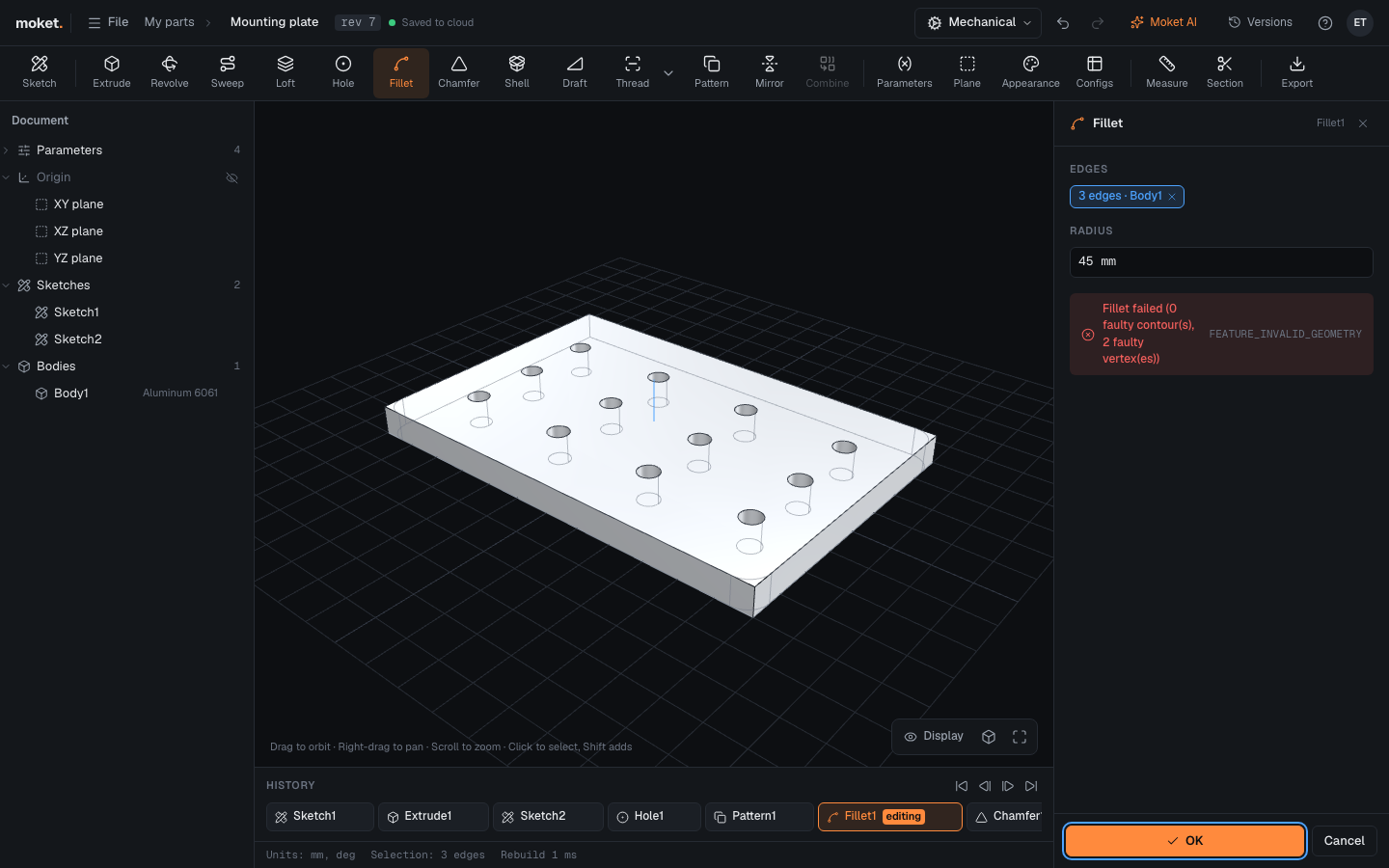
When you edit a feature, the dialog shows the problem while you change values, before you click OK.
Common problems
See Troubleshooting for every message and what to do.