
Coil
Coil winds a wire around an axis: springs, coils of wire, worm-like shapes. It takes its axis, start and diameter from a circle of a sketch.
Access: Toolbar > Coil.
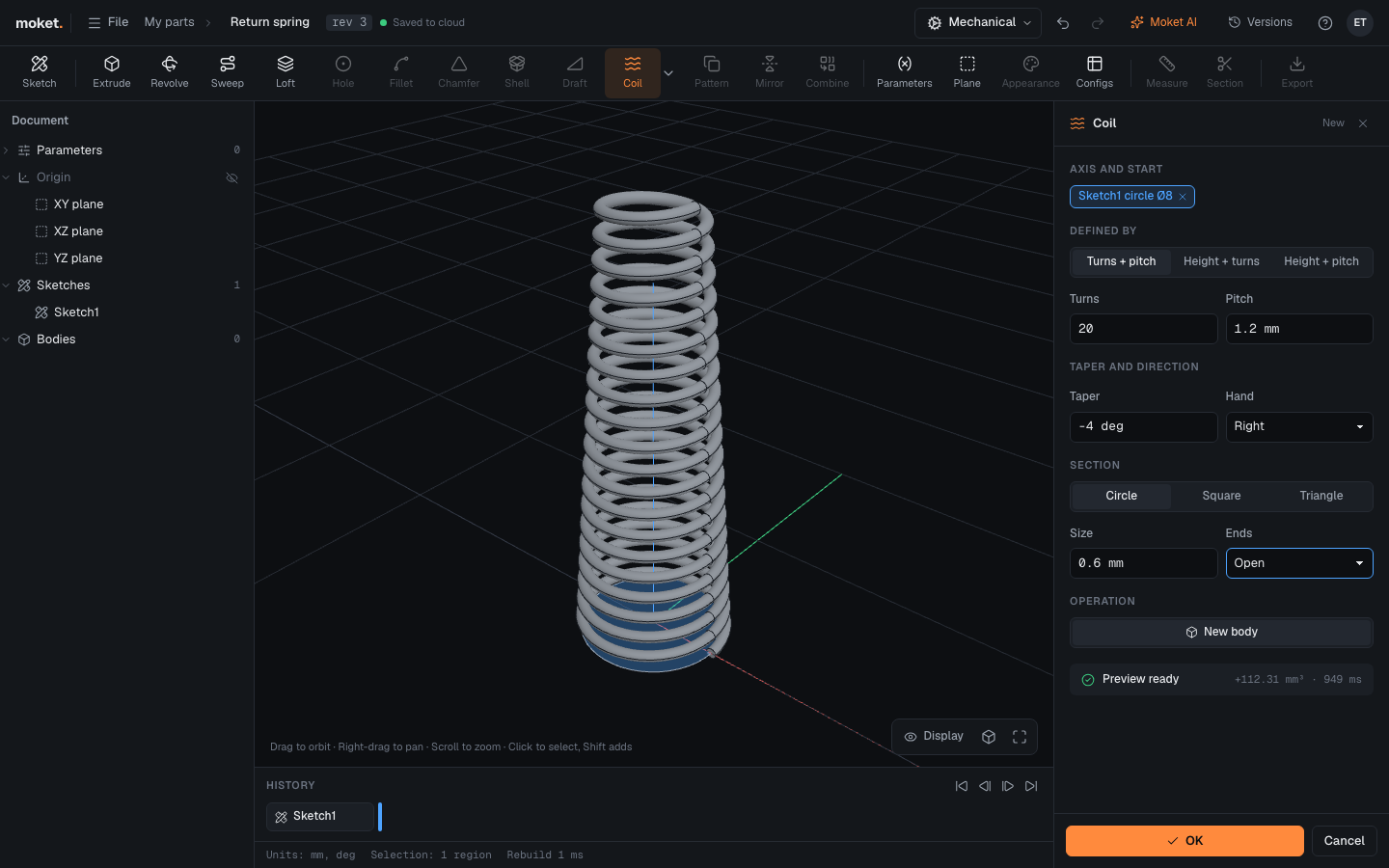
Steps
- Draw a circle in a sketch: its center is on the coil's axis and its diameter is the coil's (to the middle of the wire).
- Click Coil, then click inside the circle.
- Choose how the coil is Defined by and enter the values.
- Set the Section and its Size.
- Click OK.
Options
| Option | Description |
|---|---|
| Defined by | Turns + pitch, Height + turns or Height + pitch |
| Turns | Number of turns; fractions are allowed |
| Pitch | Rise per turn |
| Height | From the sketch plane to the end of the coil, along the circle's axis |
| Taper | Leans the coil in (negative) or out (positive) as it rises; 0 deg for a straight coil |
| Hand | Right or Left |
| Section | Circle (wire diameter), Square or Triangle (side) |
| Ends | Open, or Ground: cut flat at the start and the end, half a wire into each end turn |
| Operation | New body, Join or Cut |
Tips
- Use parameters for the wire size, pitch and turns to make a family of springs, or put them in configurations.
- A coil that Cuts a cylinder makes a groove, for example a spiral oil groove.
Troubleshooting
| Message | What to do |
|---|---|
| The pitch must be at least the section | Make the pitch larger or the wire thinner |
| The section must be smaller than the coil | Make the wire thinner or the circle larger |
| Sweep failed: sweep produced an invalid shape | A square or triangle wire on a steep taper can fail: use a circle section or less taper |
Limitations
- Closed ends (end turns pressed together) are not available; use Ground.
- The pitch is the same over the whole coil.