
Knurl
Knurl gives a round face a grip: straight grooves along the axis, or a diamond pattern of grooves both ways round. A cosmetic knurl is drawn on the face and costs nothing to rebuild; a modeled knurl cuts the grooves.
Access: Toolbar > Knurl.
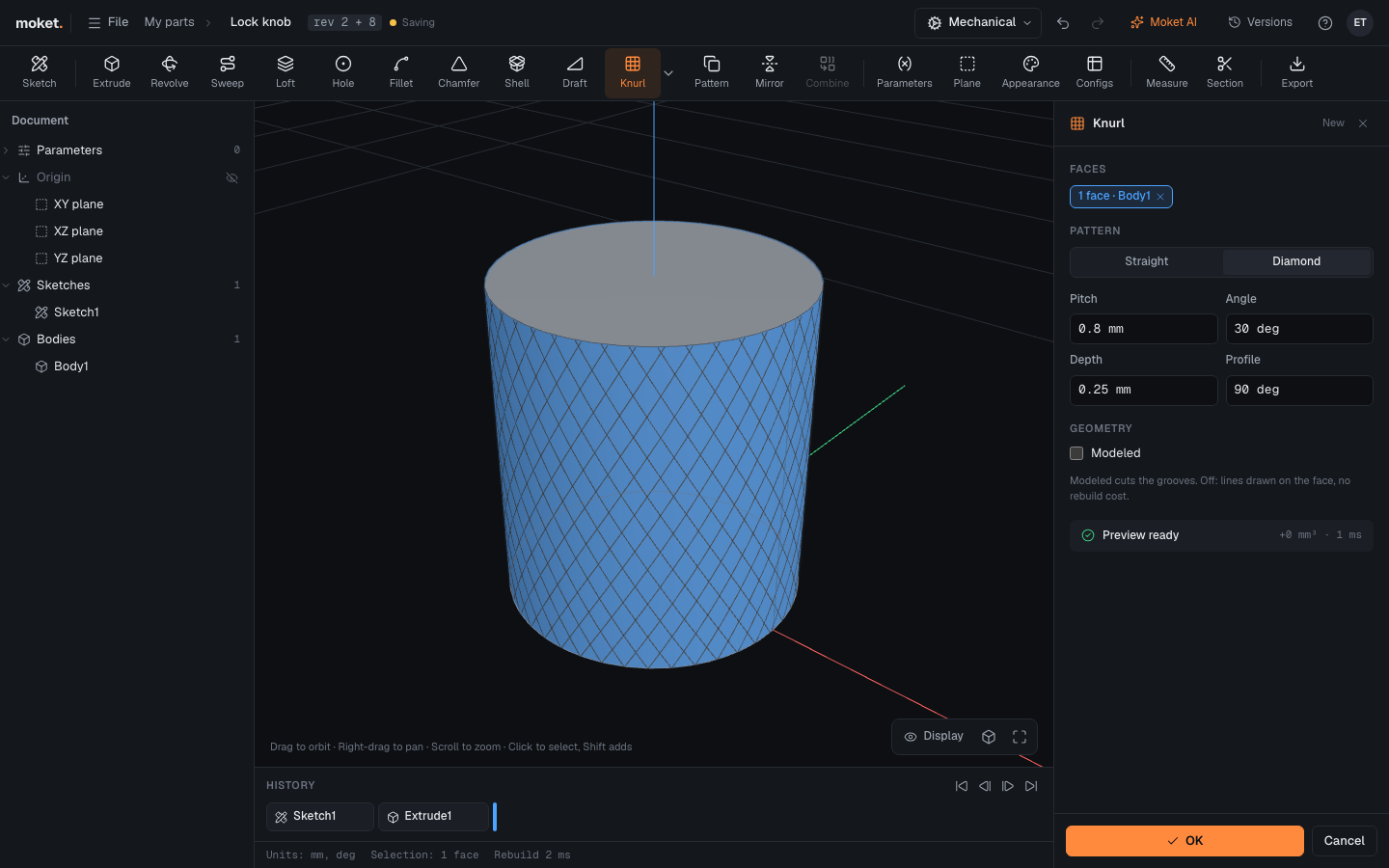
Steps
- Click Knurl.
- Click the outside of the round faces to knurl.
- Choose Straight or Diamond and set the pitch, angle, depth and profile.
- Turn on Modeled to cut the grooves.
- Click OK.
Options
| Option | Description |
|---|---|
| Pattern | Straight: grooves along the axis. Diamond: grooves both ways round, crossing |
| Pitch | Groove to groove around the face; the number of grooves is the circumference over the pitch |
| Angle | Diamond: the grooves' angle to the axis, 30 deg by default |
| Depth | How deep the grooves are |
| Profile | The V of a groove, 90 deg by default |
| Modeled | Cut the grooves. Off: lines on the face |
Tips
- A modeled knurl makes many faces. Above 2000 faces Moket warns (KNURL_HEAVY): use a coarser pitch, or keep the knurl cosmetic until you need the geometry.
- Common pitches are 0.5 to 1.2 mm; the depth is about a third of the pitch.