
Extrude
Extrude pulls closed sketch areas (profiles) straight out of the sketch plane to make a solid, or to add to, cut from or intersect with a body.
Access: Toolbar > Extrude. Shortcut: E.
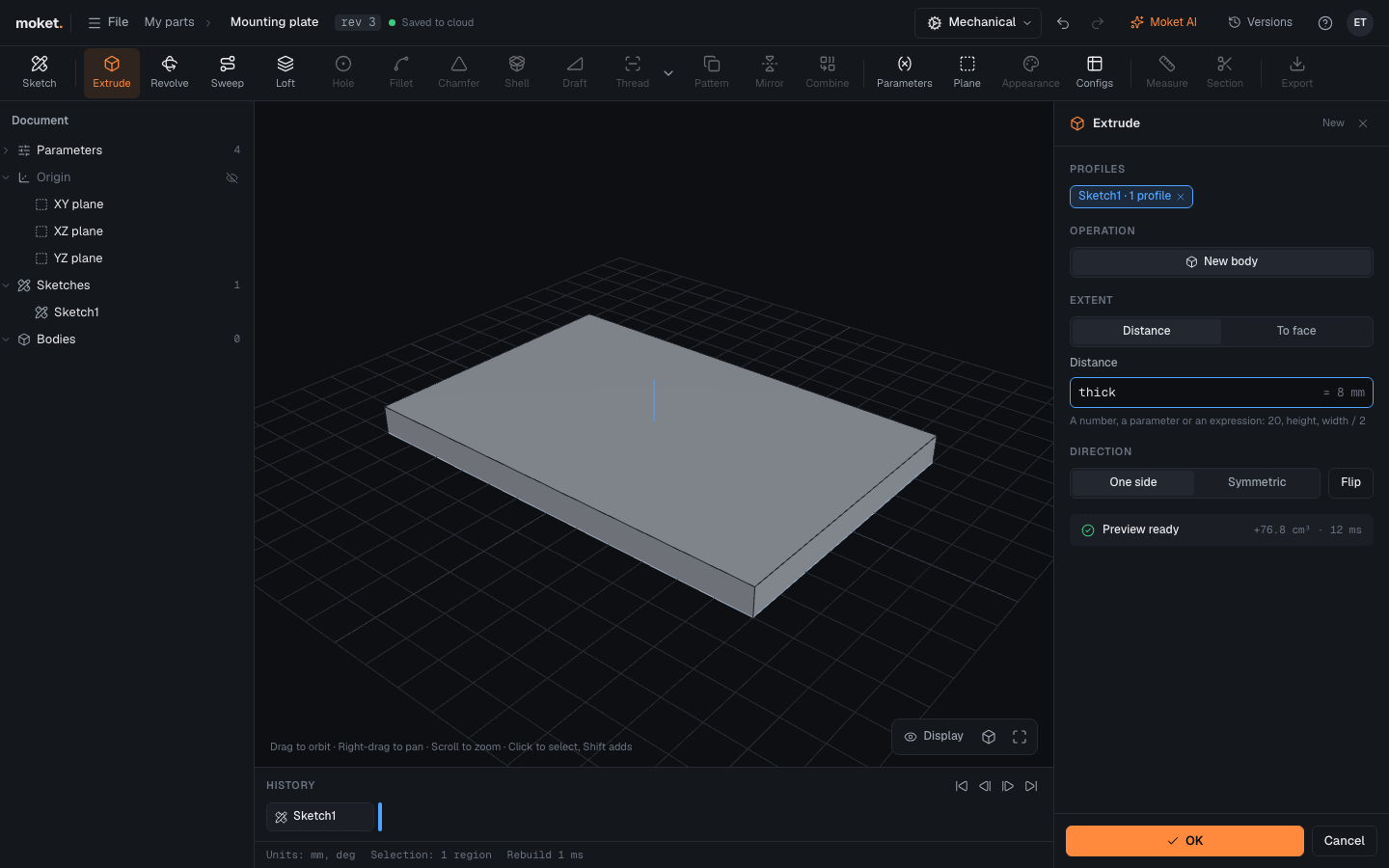
Steps
- Click Extrude. If the last sketch has one closed area, it is already selected.
- To use other areas, click them in the canvas. Click again to remove one. Areas inside other areas (for example a hole in a plate outline) can be picked on their own.
- Choose the Operation, the Extent and the Direction.
- Check the preview and click OK, or press
Enter.
Options
| Option | Values | Description |
|---|---|---|
| Operation | New body, Join, Cut, Intersect | Make a separate body, or change an existing one. With several bodies, choose which one under Join to or Cut from |
| Extent | Distance, Through all, To face | A set distance, through the whole body (for cuts), or up to a face or plane you pick |
| Distance | Expression | How far to extrude, for example 20, thick or width / 2 |
| Direction | One side, Symmetric | One side of the plane, or half each way. The flip button reverses one side |
The preview shows the volume change and how long it took. If the feature cannot be built, the dialog says why and OK keeps your values so you can fix them later.
Extrude up to a face
With Extent set to To face, click Pick and then a flat face, a construction plane or an origin plane. The extrusion goes toward it, on whichever side of the sketch it is, and ends on it: a face parallel to the sketch gives a flat end, a slanted one ends the extrusion at its slant. When the face moves, for example because the body it belongs to gets taller, the extrusion follows. There is no direction to set.
The face must not cross the sketch, and it cannot run along the extrusion, because the extrusion would never reach it. Only flat faces can be picked for now.
Tips
- Use parameters for distances you may change later.
- A sketch on a face of a body extrudes away from the body by default. Use Cut and the flip button to cut into it.