
Hole
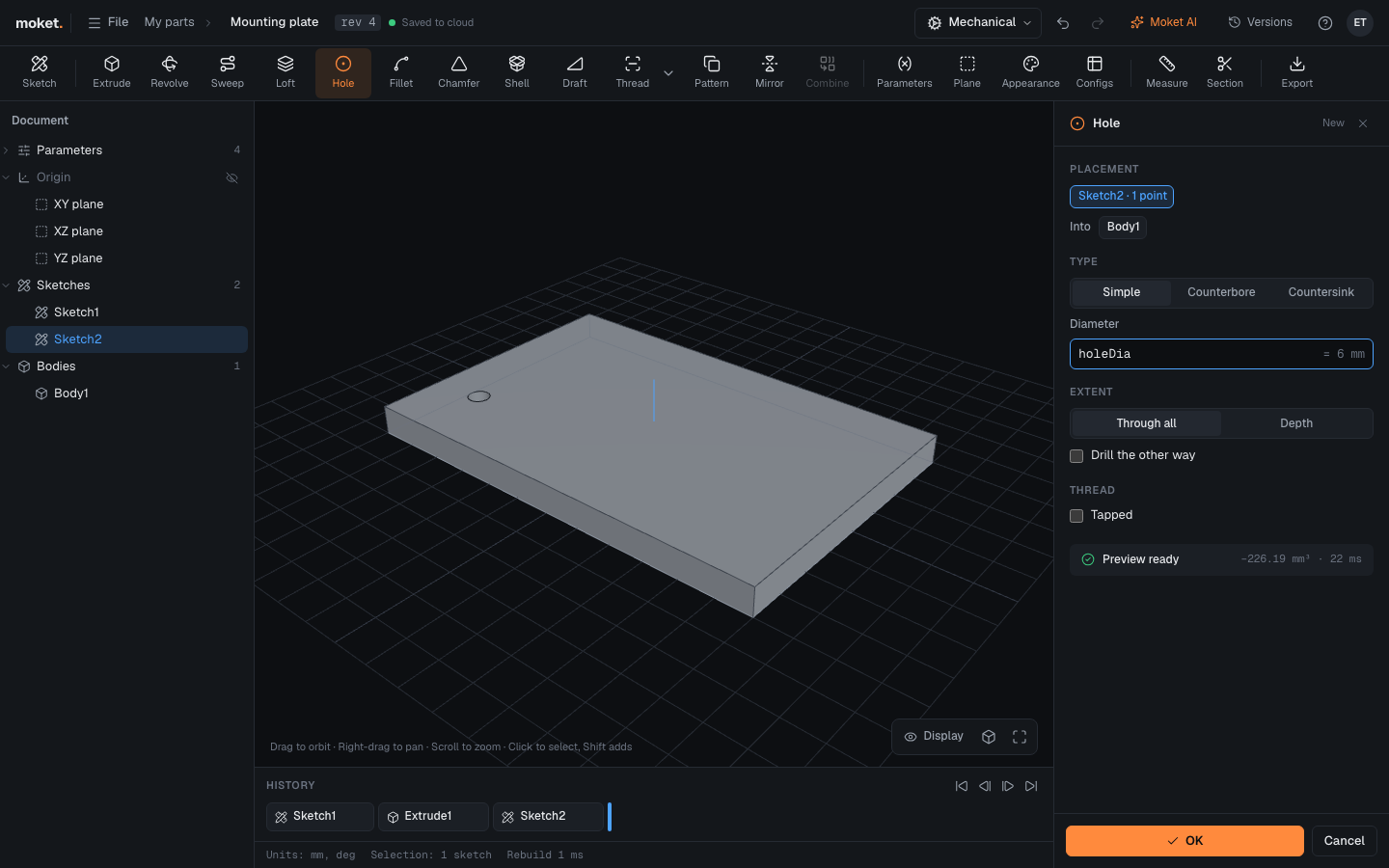
Hole drills holes at the points of a sketch: simple, counterbored or countersunk, plain or tapped.
Access: Toolbar > Hole. Shortcut: H.
Steps
Sketch on the face to drill into and place points with the Point tool. Dimension them to fix where the holes go.
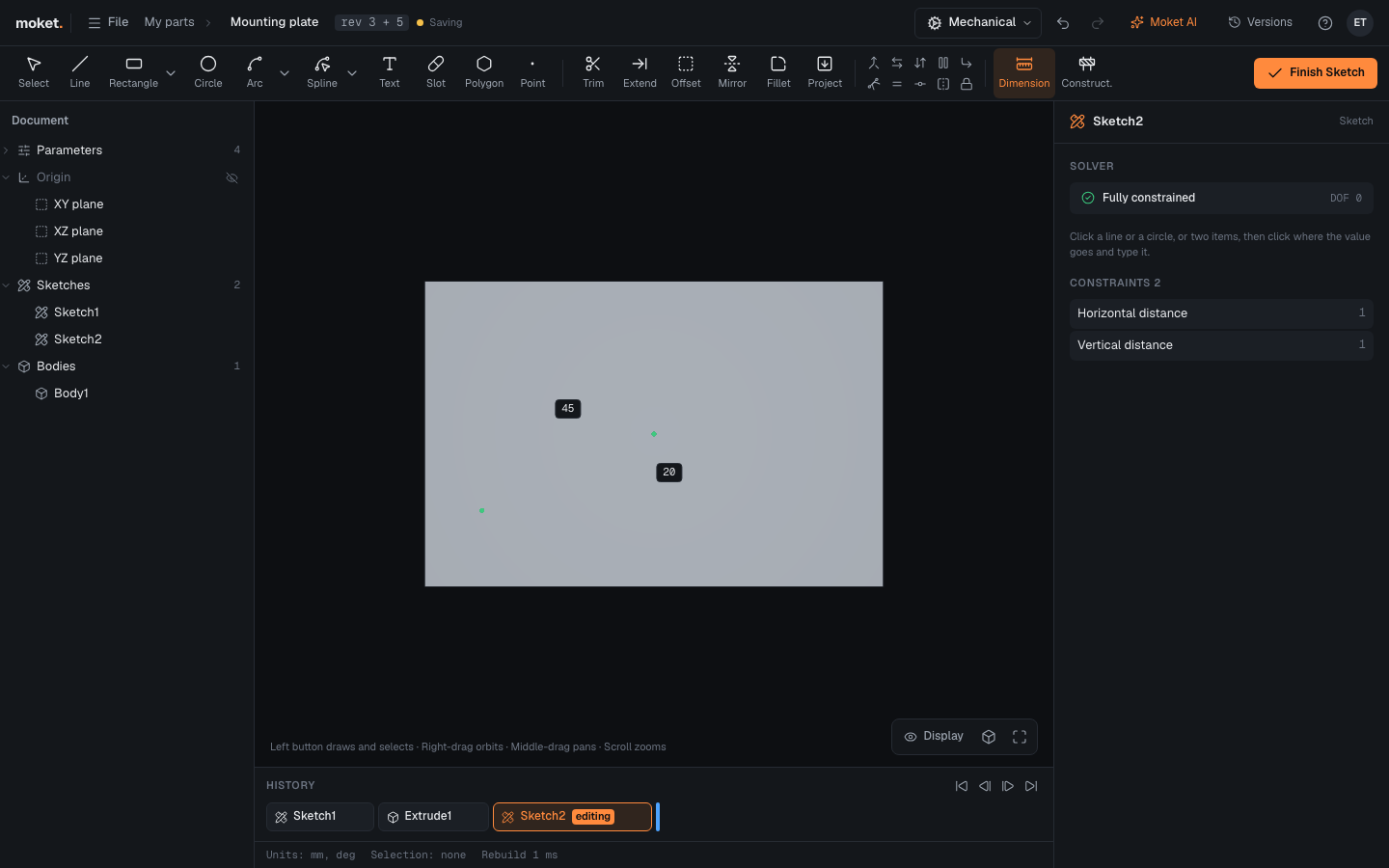
Finish the sketch and click Hole. The sketch's points are used.
Choose the Type and the sizes, and click OK.
Options
| Option | Description |
|---|---|
| Type | Simple, Counterbore or Countersink |
| Diameter | The hole's diameter |
| Extent | Through all, or a set Depth |
| Drill point | A cone at the bottom of a blind hole, with its Point angle |
| Counterbore diameter, Counterbore depth | The wider step at the top, for a screw head |
| Countersink diameter, Countersink angle | The cone at the top, for a flat head screw |
| Drill the other way | Drill toward the other side of the sketch plane |
| Into | The body to drill, when there are several |
| Tapped | Threads the hole: its Thread standard and Size set the drill to the size's tap drill |
| Thread length | How deep the thread goes from the mouth; empty for the whole hole |
| Starts, Left-hand | A multi-start or left-hand thread, as the screw that goes in has it |
| Modeled | Cut the thread's helical groove instead of a cosmetic thread |
Tips
- A hole that misses the body is an error (
HOLE_MISSES_BODY), not an empty step: turn on Drill the other way when the sketch is on the far side of the body. - To repeat a hole in a grid or around a circle, use Pattern instead of many points: changing the count later is one value.