
Fillet
Fillet rounds edges with a radius.
Access: Toolbar > Fillet. Shortcut: F.
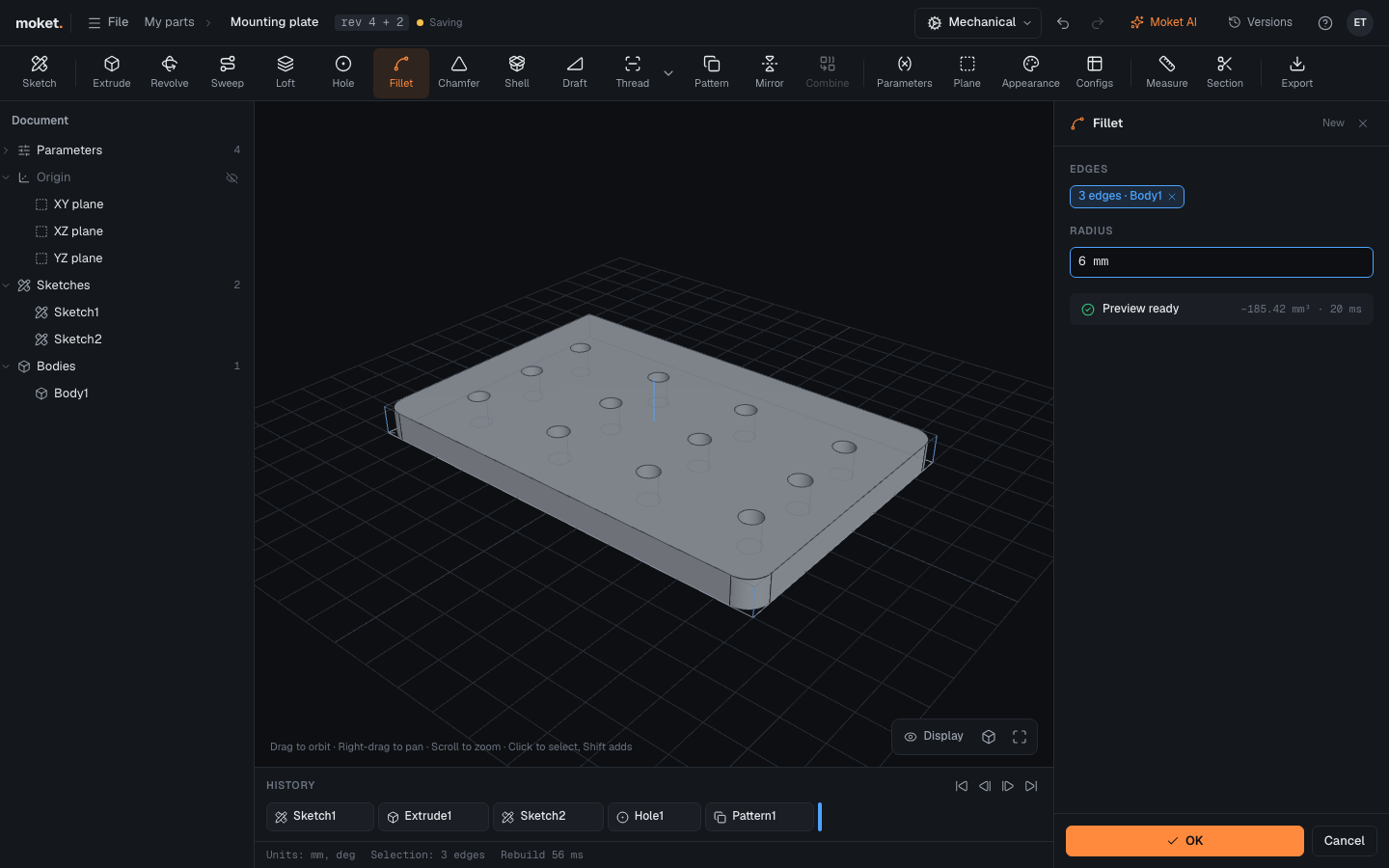
Steps
- Click Fillet.
- Click the edges to round. Click an edge again to remove it.
- Type the Radius and click OK.
Troubleshooting
- Fillet failed. The radius is usually too large for a face next to the edge. Try a smaller radius or fewer edges.
- An edge was lost after an earlier change. Edit the fillet and click the edge again. See Fix problems.